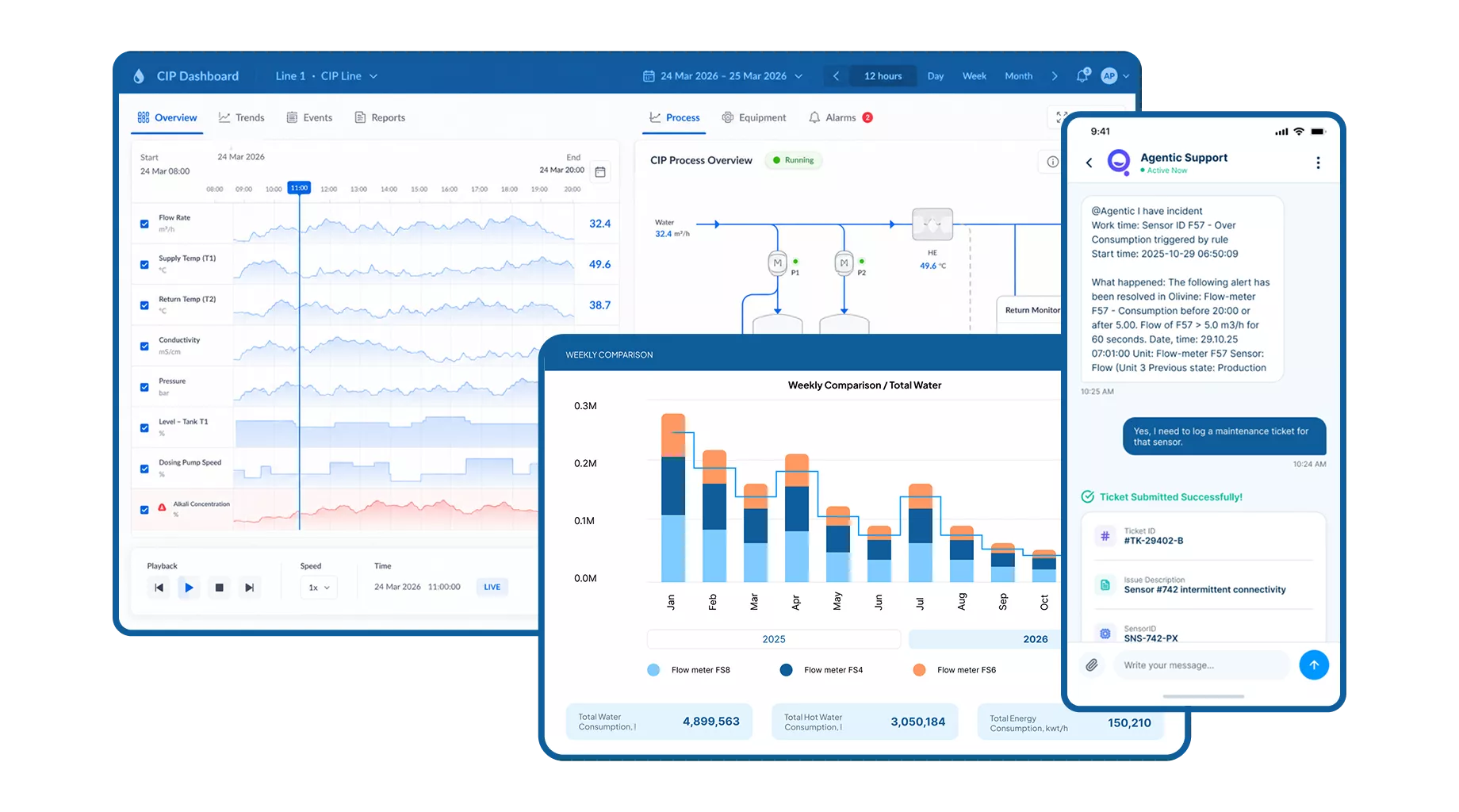
Make CIP process data easier to see, review, and share. Digital Assistant FlowQeeper brings together live dashboards, automatic cycle reports, email notifications, and custom Power BI reports to support informed decisions across your food and beverage plant.

Up to
-25%
Resource consumption
Up to
15min
Savings per cycle
Up to
12mo
ROI
Available
24/7
For support across every shift
What Is FlowQeeper
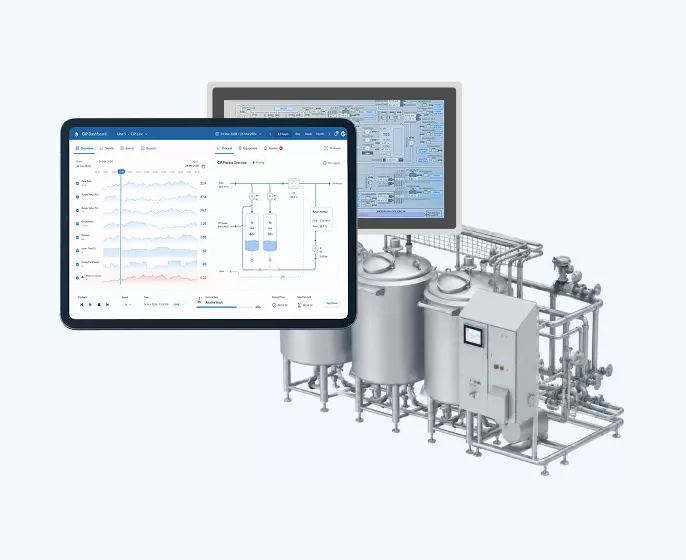
Digital Assistant FlowQeeper is CIP monitoring software that connects available cleaning-process data with the people who need it. It supports real-time CIP monitoring of temperature, flow, conductivity, cycle timing, and other available signals, together with CIP data logging, automatic cycle reports, and tailored CIP analytics across connected lines.
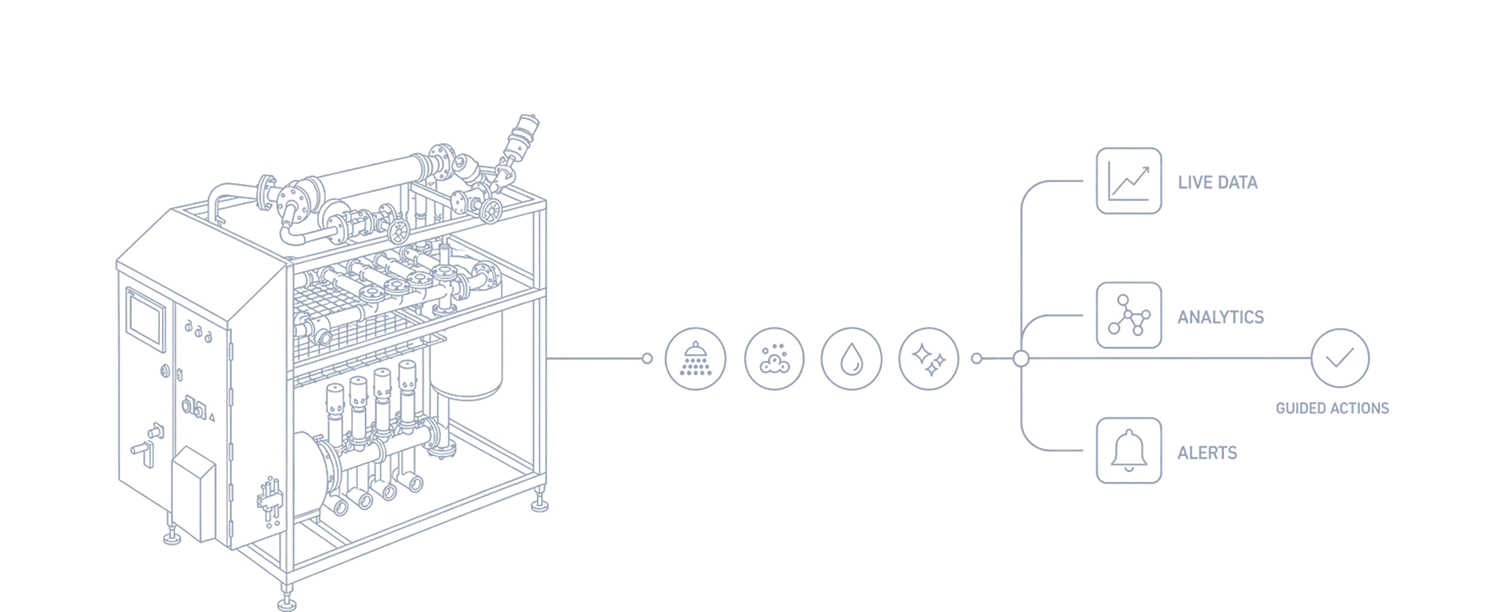
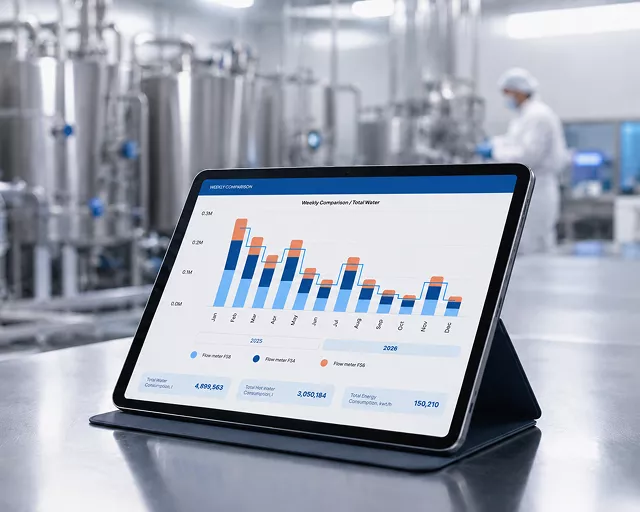
FlowQeeper turns available CIP data into clear dashboards and reports. Your team can review cycle conditions, compare performance, and identify areas that need closer engineering attention.
Live monitoring supports day-to-day visibility, while historical reports give production, quality, and engineering teams a shared basis for reviewing cleaning processes.

Developed by CIP Experts for food and beverage production, FlowQeeper supports the practical work of monitoring CIP cycles and reviewing process records. The scope is configured around your equipment, available signals, and reporting needs.


Why This Is Needed
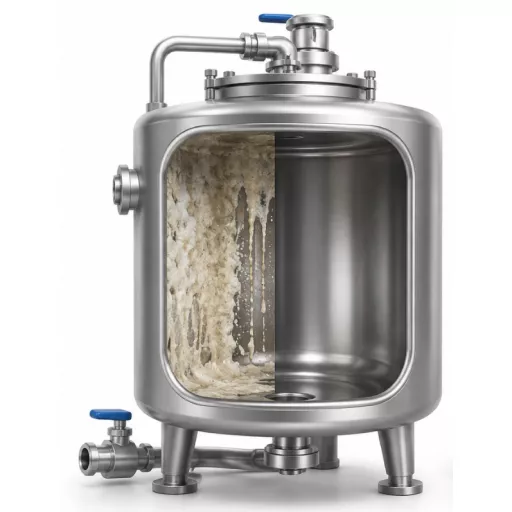
When cycle information is spread across local displays, spreadsheets, and paper records, teams spend time collecting data before they can understand what happened. Deviations may only become visible during a later review, and comparisons between lines or shifts become difficult.
FlowQeeper brings available process information into dashboards, cycle reports, and email notifications. Teams can review the same data, investigate deviations, and prioritise improvements with a clearer understanding of actual CIP performance.
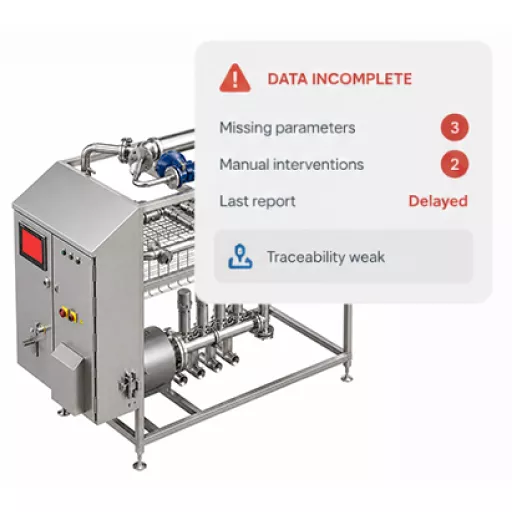
Fragmented CIP process data
Manual cycle report preparation
Limited visibility during cleaning
Deviations noticed after the cycle
Inconsistent reporting across shifts
Time spent collecting information
Repetitive administration and missing details
Difficulties comparing actual cycle conditions
Delayed investigation of process issues
Gaps in traceability and performance review
When FlowQeeper Becomes Valuable
FlowQeeper is useful when your team needs clearer cycle records, earlier visibility of deviations, or a consistent way to compare CIP performance. It supports plants moving from manual reporting to shared process information and helps identify where further validation, engineering review, or optimisation is needed.

Review connected cleaning lines through live process dashboards.

Keep automatic cycle reports available for quality and process review.

Compare cycle conditions and timing across lines and shifts.

Identify patterns that warrant a closer look at operating costs.

Review water, chemical, and energy trends where measurement data is available.

Receive email notifications when configured alert conditions are met.

Use custom Power BI reports to track agreed performance indicators.

Support investigation of cleaning deviations with recorded process data.
How It Works
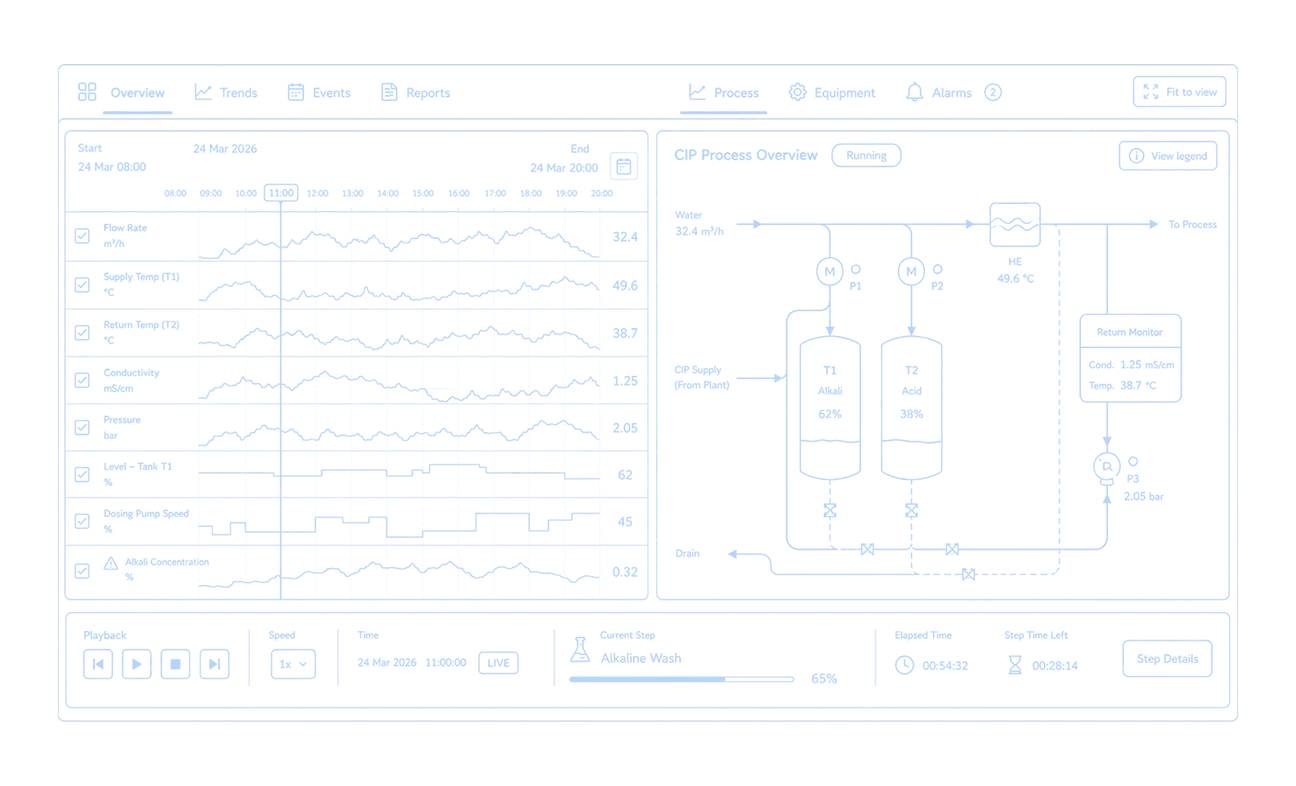
FlowQeeper connects agreed data sources, displays available CIP parameters, and prepares information for your team. Dashboards, email alerts, automatic cycle reports, and custom analytics support monitoring and follow-up decisions.
01
Identify and connect the available CIP signals within the agreed integration scope.
02
View temperature, flow, conductivity, timing, and other available signals on connected-line dashboards.
03
Send email notifications to agreed recipients when configured alert conditions are met.
04
Prepare automatic reports from recorded cycle data for production, quality, and engineering review.
05
Use custom Power BI reports to compare agreed KPIs and support process improvement discussions.
Key Features
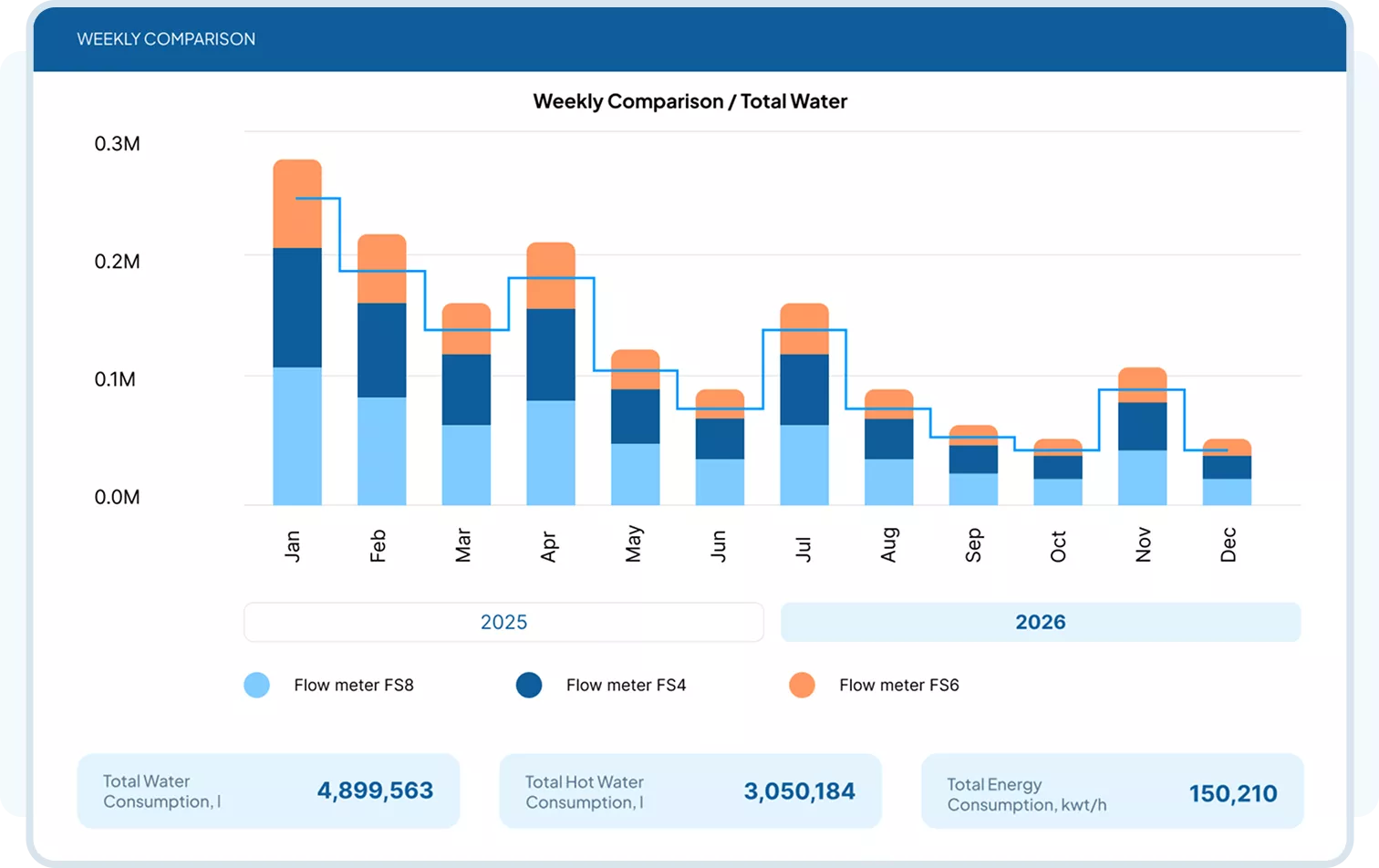
View available CIP parameters on live dashboards for connected lines. Review cycle conditions as cleaning progresses and use historical data to understand how performance changes.
Reduce repetitive report preparation with automatically generated cycle records. Give production, quality, and engineering teams a consistent basis for reviewing recorded process conditions.
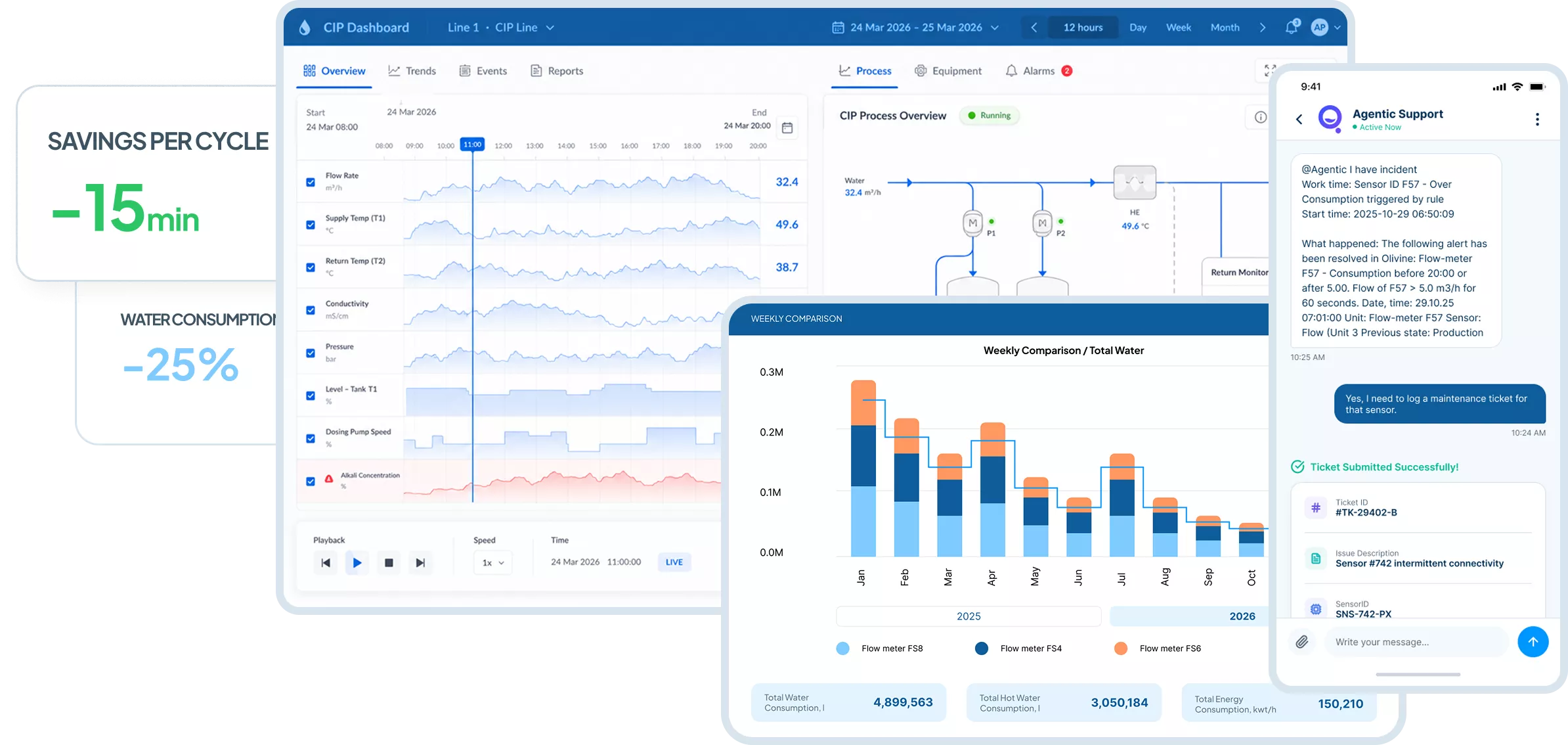
Receive email notifications based on configured conditions and use custom Power BI reports to review agreed KPIs, compare cycles, and investigate recurring deviations.
Shared Process Visibility
Give your team a consistent view of the CIP lines included in the project. Live dashboards and reports bring process information together, while email notifications help keep designated recipients informed of configured events.
Clear process information helps your team investigate issues and decide what to do next. Operational decisions remain with your authorised personnel.
Use Cases By Role
How Each Team Uses FlowQeeper
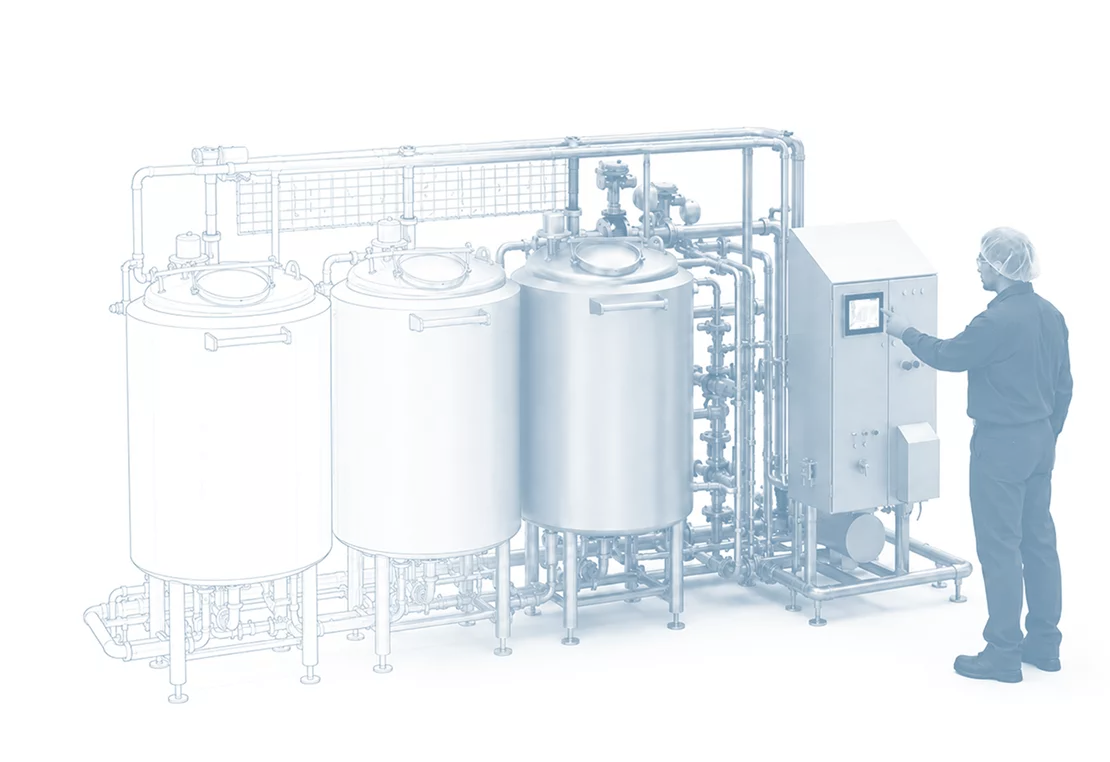
Operators monitor cycles, quality teams review records, engineers analyse trends, and production managers assess performance. Each team works with process information relevant to its responsibilities.
Information Security
CIP Experts’ Information Security Policy establishes requirements for protecting information and systems across the company and its subsidiaries. Based on the NIST Cybersecurity Framework, it covers access control, data protection, monitoring, incident response, and recovery. These requirements provide the organisational context for reviewing your FlowQeeper project’s security needs.

The policy requires protection of data at rest and in transit, controls against data leakage, and integrity checks for software, firmware, and information in production systems. It also requires separation of production, testing, and development environments.
The policy requires managed identities and credentials, least-privilege access, separation of duties, and authentication appropriate to risk. Physical and remote access are covered, alongside network segregation and segmentation.
The policy requires monitoring for suspicious activity, defined logging requirements, and investigation of security alerts. Incident response procedures must specify responsibilities, reporting, containment, and stakeholder communication.
Remote maintenance of company assets must be approved, logged, and performed in a way that prevents unauthorised access. Supplier and third-party security controls are also subject to assessment under the policy.
The policy requires production backups to be created and tested, together with incident response, business continuity, and disaster recovery plans. Lessons learned from incidents must inform improvements to response and recovery procedures.
CIP Experts’ awareness materials cover phishing, suspicious links and attachments, strong passwords, and multi-factor authentication. Staff are instructed to verify unusual requests through official channels and promptly report suspicious activity to IT or security.

CIP Experts’ policy follows the NIST Cybersecurity Framework functions: Identify and Protect, Detect, and Respond and Recover. The specific controls, responsibilities, and integration requirements for your FlowQeeper deployment are agreed within the project scope.
Results in the First Year

20%
Reduction in average
cycle time
Cleaning cycles and recipes are optimized based
on analytical data and expert guidance.

25%
Lower water, energy and
chemical costs
Combined effect of optimised recipe, detergent recovery, and end-point detection.

18mo
Measurable
ROI
Investment return of the digital assistant, based on a pilot project.
Pricing And Access
Start with the CIP lines, available data, and reporting needs that matter to your team. Monitoring, reports, notifications, and custom analytics are configured within an agreed scope. Integration requirements and implementation effort are assessed before a quotation is prepared.
How You Get FlowQeeper
01
Review your CIP processes, monitoring goals, reporting needs, and available infrastructure.
02
Agree the connected lines, available signals, dashboards, reports, notifications, and integration requirements.
03
Connect the agreed data sources and configure dashboards, cycle reports, alert conditions, and email recipients.
04
Check data mapping, cycle report completeness, dashboard views, and notification behaviour on the selected scope.
05
Extend the agreed setup to additional lines where required, refine reports, and use the data to support ongoing engineering review.
Related Pages
Connect process visibility with practical engineering support. Explore CIP validation, optimisation, and modernisation services to investigate findings and develop the next improvement step.

Tell us about your CIP lines, available process data, and reporting needs.
We will discuss a relevant demonstration and define the next steps.
Thank you for your request!
Our team will contact you soon to discuss your project and the next steps.
Request Sent
Thank you for contacting CIP Experts. Our manager will contact you within one business day.
