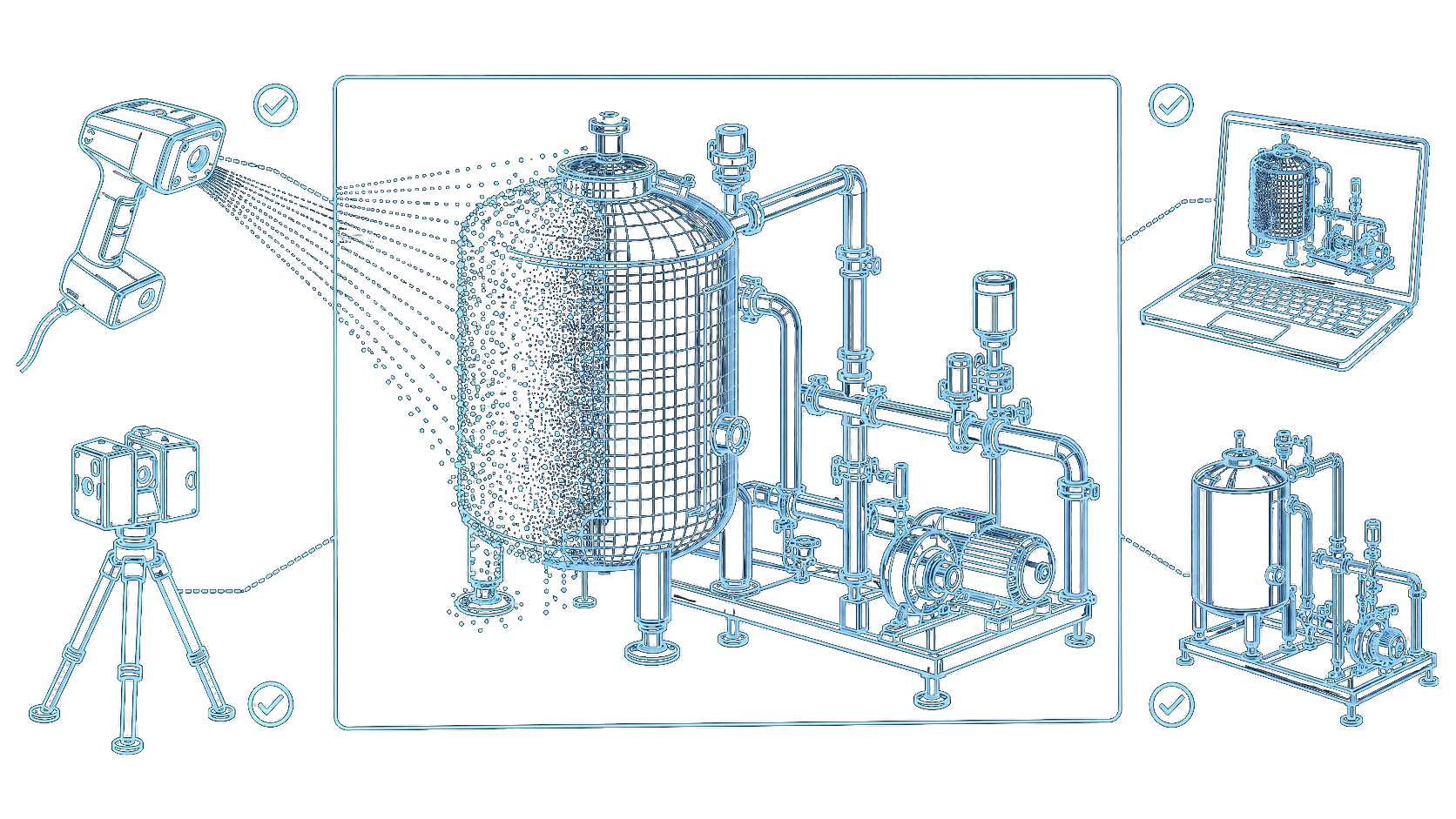
Capture the actual geometry of CIP stations, technical rooms, equipment, pipe routes, and tie-in areas before layout development or installation. Accurate scan data reduces dimensional uncertainty and provides a reliable basis for brownfield CIP engineering.

Accurate existing
geometry
Point-cloud
project basis
Better tie-in
planning
Reduced installation
risk
WHAT IS 3D SCANNING
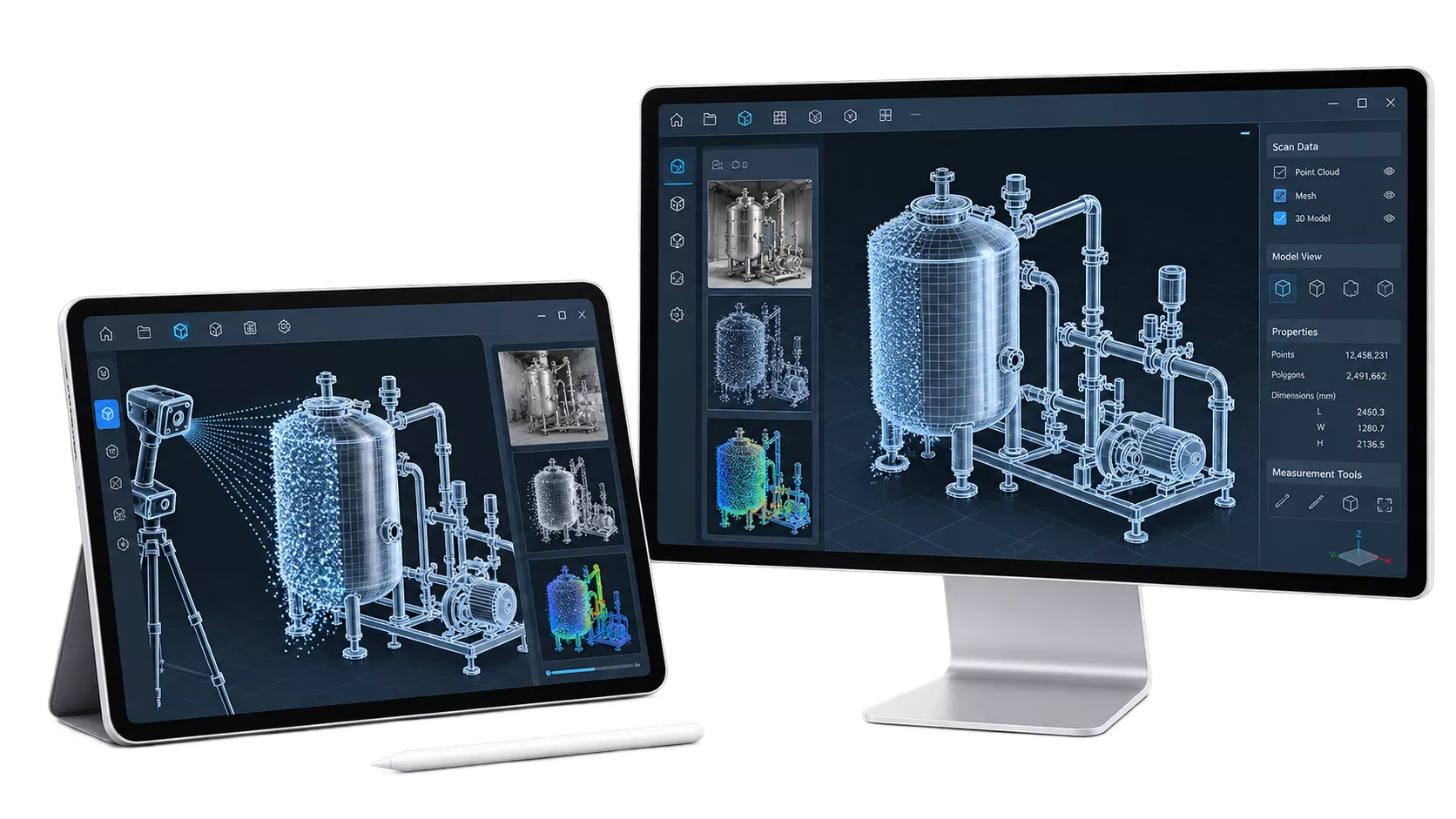
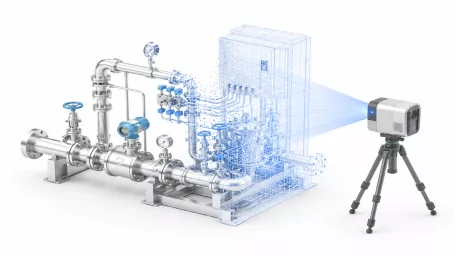
Industrial 3D scanning captures visible equipment, piping, structures, room geometry, access routes, and connection points from multiple scan positions. The processed point cloud for piping and equipment reflects the actual installed environment and provides measured as-built geometry for brownfield engineering and retrofit 3D scanning projects instead of relying only on incomplete or outdated drawings.
Note: 3D scanning records surfaces visible from the selected scan positions. Hidden pipelines, internal equipment details, insulated components, and inaccessible areas cannot be reconstructed reliably without additional drawings, opening of equipment, or targeted measurements.
WHY 3D SCANNING MATTERS
CIP systems are often modified over time without complete as-built updates. Pipes are rerouted, equipment is replaced, structural elements are added, and maintenance zones change. Designing from outdated information increases the risk of clashes, incorrect tie-ins, inaccessible equipment, and unplanned changes during installation.

Work from measured geometry of the installed equipment, visible piping, and surrounding structures.

Locate visible connection points and record their spatial relationship to the proposed installation.

Use the point cloud during design review to identify spatial conflicts before site work begins.

Review access, lifting, and assembly routes against the captured site geometry.

Reduce corrections caused by inaccurate layouts and undocumented spatial constraints.

Preserve a visual and dimensional record of the surveyed area for project coordination.
WHEN THIS SERVICE IS NEEDED
3D scanning is useful when a CIP project depends on existing site conditions. It provides geometric input for equipment placement, routing, and tie-in planning before detailed design or installation.
01
Capture the current arrangement before replacing equipment, changing connections, or expanding the station.
02
Record available space, structural obstacles, and access routes around the proposed installation.
03
Establish a measured reference where existing drawings are incomplete or no longer reflect the site.
04
Capture the surrounding geometry to support equipment positioning and connection planning.
05
Survey visible route corridors, pipe racks, and obstacles before developing new piping layouts.
06
Record accessible connection areas in advance and identify points requiring additional verification during the shutdown.
07
Provide a coordinated point cloud as the geometric basis for the next design stage.
SCANNING SCOPE
The survey covers visible geometry within the agreed project area. Scan positions are selected around critical equipment, proposed routes, and connection zones. Coverage limitations are recorded for follow-up.
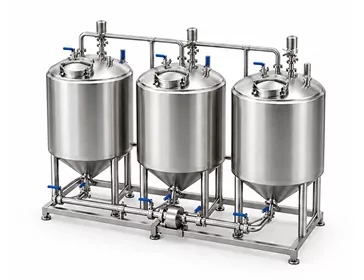
Tanks, skids, pumps, heat exchangers, dosing units, and valve groups.
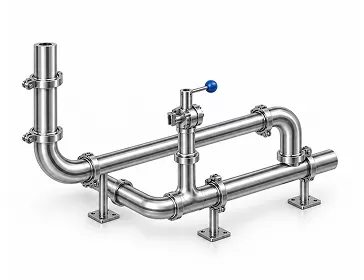
Visible CIP, product, utility, and drainage routes.
Floors, walls, ceilings, columns, doors, platforms, and openings.
Visible existing connections for new equipment or pipelines.
Walkways, operator access, and available space around component-removal areas.
Structures and systems that influence the new CIP layout.
HOW THE SCANNING IS PERFORMED
01
Define the scan area, required accuracy, critical equipment, tie-in points, output formats, and intended engineering use.
02
Coordinate access, production restrictions, safety requirements, and scan positions.
03
Capture the selected area from multiple locations to record visible geometry.
04
Register, align, clean, and prepare the scans in the agreed coordinate system.
05
Provide the processed point cloud and reference views for modeling, layout, routing, or project coordination.
INFORMATION REQUIRED
Share the available project information so we can plan coverage, access, and deliverables. Identify critical areas early, especially where visibility or production schedules may restrict the survey.

Describe the planned upgrade and how the scan data will support design or installation decisions.
Identify the rooms, stations, equipment, and routes to include in the survey.
Provide existing plans, equipment layouts, or reference images to help define the survey boundaries.
Mark the proposed connection areas and any dimensions that are critical for integration.
Confirm site induction, permits, restricted areas, and any requirements affecting scanner placement.
Specify when each area can be accessed and whether moving equipment or ongoing operations may limit visibility.
Confirm the intended software, accepted data formats, and any project reference coordinates.
WHAT YOU GET
The deliverables provide a coordinated geometric reference for the agreed survey area. Coverage, coordinate references, and known limitations are documented to support the next engineering stage.

RPC
CS
VIEWS
BNDRS
REF
DATA
NEXT ENGINEERING STEP
The scan can be followed by 3D modeling and layout development to position new equipment, develop routes, verify access, and check clashes against the existing environment. We can also update or create P&IDs and PFDs for your production facility.
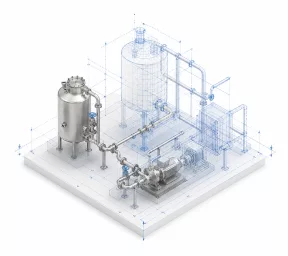
Position new equipment and develop piping routes using the point cloud as the existing-site reference. Review clearances, service access, and spatial conflicts.
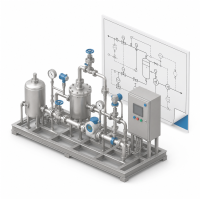
Coordinate equipment, piping, valves, and instrument references with the proposed installation and confirmed process documentation.
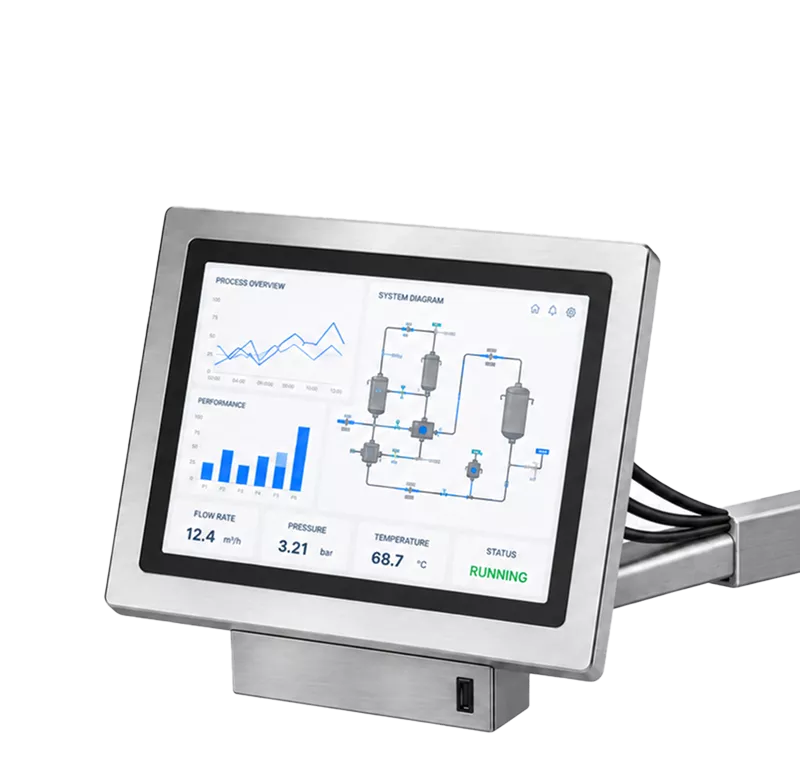
Define the CIP process concept, main flows, and circuit relationships that guide the new layout.
WHY CIP EXPERTS
01

We define the scan around equipment placement, pipe routing, tie-ins, access, and modernisation needs.
02

We understand which CIP connections, cleaning objects, and service areas are critical for the next design stage.
03

The same data can continue into modeling, P&ID coordination, layout review, and implementation planning.
04

The output is adapted to the agreed software, project workflow, and required level of detail.
FAQ
Does scanning require a production shutdown?
Not always. The requirement depends on safety, access, moving equipment, visibility, and the project area.
Does the point cloud replace engineering drawings?
No. It provides accurate geometric input, but process logic, equipment data, and hidden connections still require engineering documentation.
Can you create a 3D model from the scan?
Yes. 3D modeling and layout development can be included as a separate project stage.
Can scanning be limited to one CIP area?
Yes. The scope may cover one station, one room, selected routes, or defined tie-in zones.
Related Pages
Know exactly what happened in every cleaning cycle — temperature, flow, conductivity, and timing — for every zone in your dairy plant.

Send us the project area, available drawings, and planned modification. We will define the required scan scope, access conditions, and deliverables.
Thank you for your request!
Our team will contact you soon to discuss your project and the next steps.
Request Sent
Thank you for contacting CIP Experts. Our manager will contact you within one business day.
